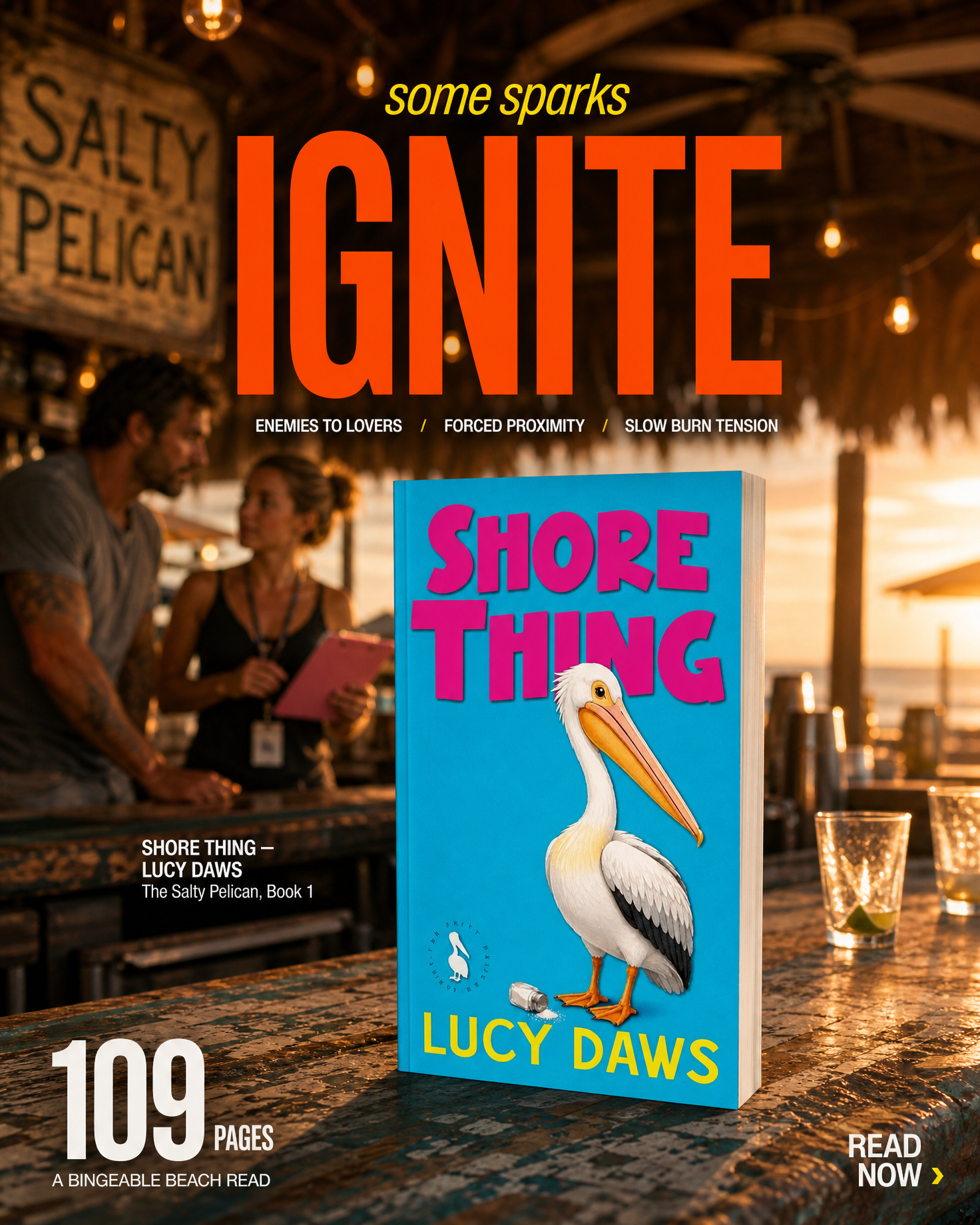
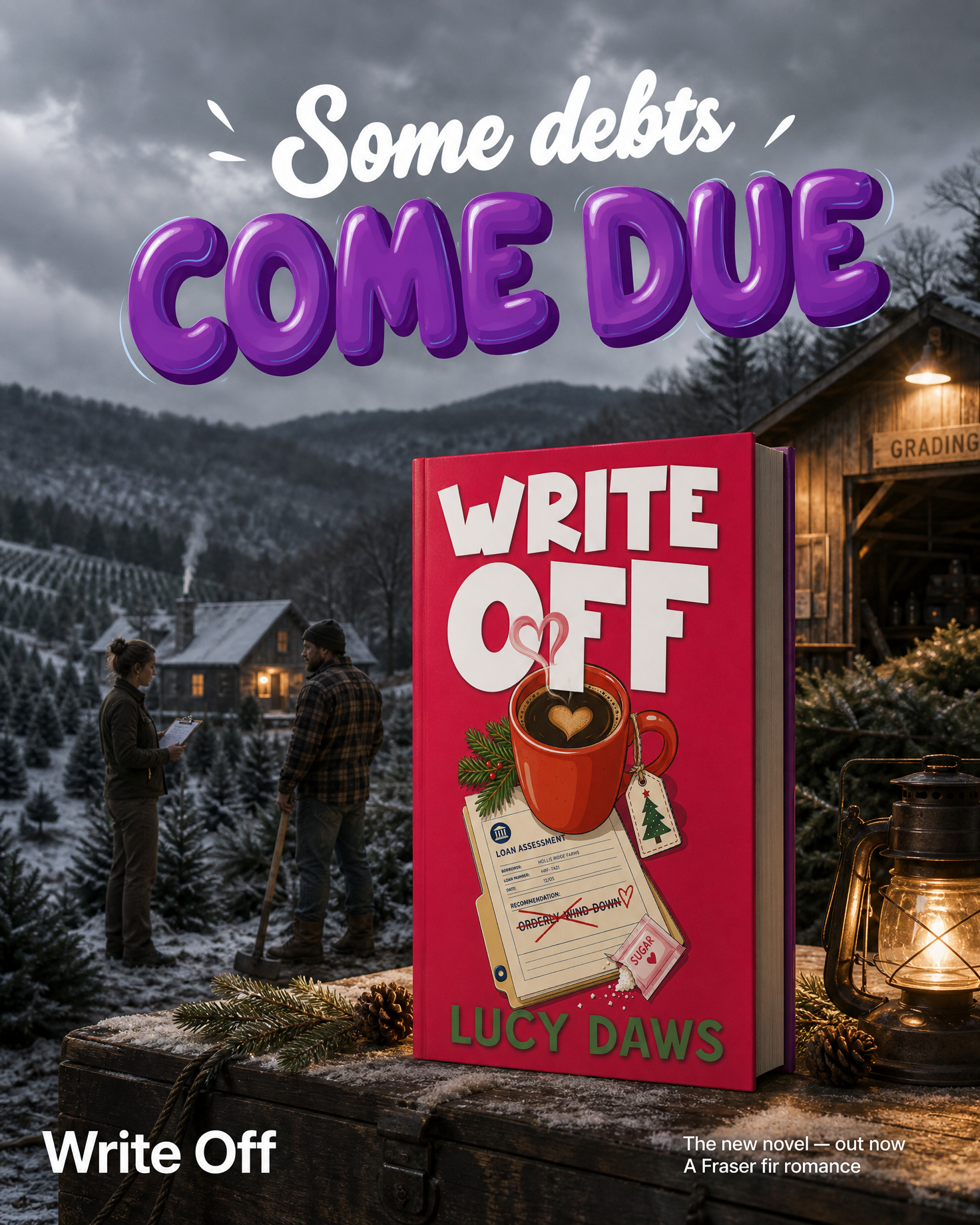
The short answer: Canva is excellent and cheap for general design, and most authors should keep it. The real question is which job you are trying to replace it for. Like-for-like editors (Adobe Express, Figma, Kittl) change the workflow, not the result. Mockup specialists (BookBrush, Placeit) beat Canva at 3D covers and photo-real shots. Manuscript-driven generation (Book Ad Pack) fills the one gap none of them touch: creative that comes from the story itself, sized for Meta and Amazon, that you run from your own ad account.
If you came here hoping to read that Canva is bad, you will be disappointed. For general design it is the best value tool most authors will ever use:
Where it stops for authors: Canva knows nothing about your book. Its 3D book mockups are thin compared with the specialist tools; its stock library gives you the same moody forest and the same coffee cup every other author in your genre is using; and nothing inside it reads your manuscript, so the scene, the character, the hook line and the video of the moment a reader would buy for are still yours to find. Canva is a superb way to assemble creative. It does not supply it.
“Canva alternative” means different things depending on what you are trying to get done. Sorted by job rather than by brand:
Best for: the closest like-for-like swap. Same all-in-one shape as Canva, priced in the same band, with Adobe Firefly generative fill built in and tighter links to Photoshop and Lightroom if you already pay for Creative Cloud. Fewer author-specific templates than Canva, and the book-mockup side is thinner still.
Best for: authors who want real layout control, reusable components and a free tier that does not nag. It is a design tool, not a template library, so the first hour is harder than Canva’s first hour — but once you have a master ad template, cranking out fifty size variants is faster and cleaner than in Canva.
Best for: typography-heavy graphics: quote cards, title treatments, vintage and hand-lettered looks. Its text effects are better than Canva’s, and it has its own AI image generation. Narrower than Canva overall; think of it as a specialist you reach for when the words are the picture.
Best for: the author-specific jobs Canva is weakest at: 3D cover mockups, box-set renders and templates sized for BookBub, Amazon and author Instagram. Subscription-priced, commonly in the region of $8 to $20 a month on annual billing. Still a template engine — it does not read the book. See BookBrush alternatives compared.
Best for: photo-real mockups: a paperback in a hand, on a café table, beside a Kindle. Better scenes than Canva’s frames. Subscription or per-download. No copy, no story video, no author templates. See Placeit alternatives compared.
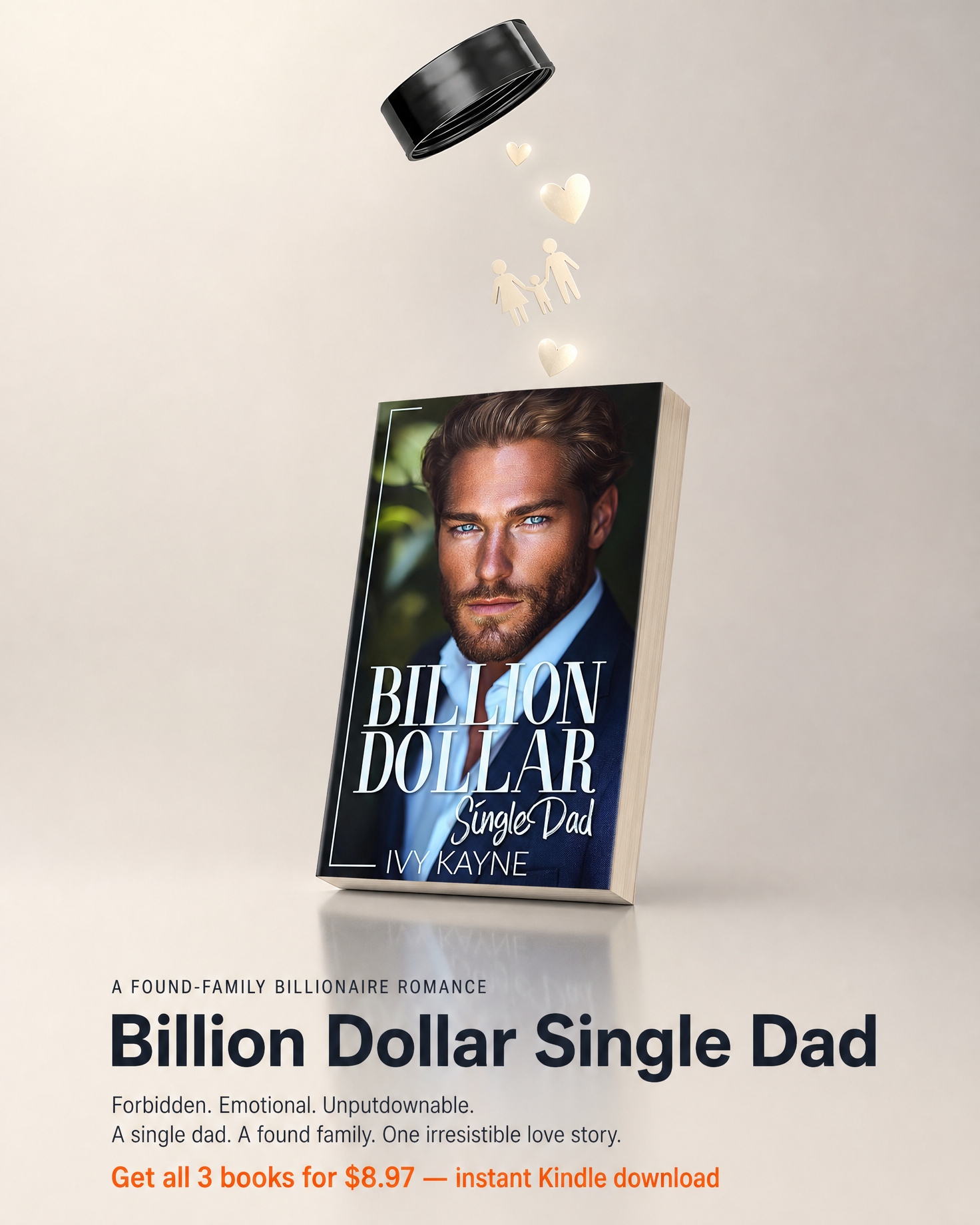
Best for: authors whose problem is not assembling graphics but having something from the actual book to put in them. We read the manuscript and generate the creative from it — on-book images with the cover staged in the story’s own settings, short scene video, character art, ad copy and hooks from real scenes, and Amazon A+ modules — delivered sized for Meta and Amazon. You post and run them from your own accounts; we never touch your ad spend. It is not an editor and it is priced per book, not per month (packages and pricing). Most of our customers still use Canva for everything else.
| Job | Canva | Adobe Express / Figma / Kittl | BookBrush / Placeit | Book Ad Pack |
|---|---|---|---|---|
| Quick social posts & newsletter graphics | Excellent | Good to excellent | Good (author templates) | Delivered sized; not an editor |
| 3D cover mockups & box sets | Basic frames | Basic / none | Excellent | On-book images only — no box-set renders |
| Scene images from your story | No (stock / AI fill) | No (stock / AI fill) | No | Yes — read from the manuscript |
| Video from the book’s scenes | Template animation | Template animation | Template animation / no | Yes — scene video |
| Ad copy & hooks | No (generic AI text) | No | No | Yes — from real scenes, scored against reader demand |
| Amazon A+ modules | Templates | Templates | Templates / no | Yes — built and sized |
| Drag-and-drop editing | Yes | Yes | Yes / limited | No |
| Runs your ads for you | No | No | No | No — you keep your ad account |
| Pricing model | Free / subscription | Free / subscription | Subscription or per-item | Per-book pack |
Prices change; the bands above are what these tools have commonly charged and are for orientation, not quotes. Check each vendor’s current page before you buy.
Newsletter headers, teaser quotes, event graphics. There is no reason to leave it, and switching to Adobe Express or Figma buys you little unless you already live in those ecosystems.
BookBrush for box sets and author-sized templates; Placeit for photo-real shots. Either costs less than one freelance graphic a month.
If you keep opening Canva and staring at a blank canvas because you have a cover and nothing else, the missing piece is material from the book, not another editor. That is the slot Book Ad Pack fills, and it still leaves you in Canva for the assembly.
Book Ad Pack is not a template library. Every pack is generated from the manuscript and checked against a reader-demand database we build and count ourselves: 725,746 hook mentions pulled from reader reviews, 5,344 reader personas, and 271,339 Amazon rank and price snapshots. The pipeline has built 76 complete packs across 13 subgenres, 53 of them on paid orders, including 255 ad creatives and 64 scene videos. Counts are live table counts taken 25 August 2026; they go up, not down. Compared with Canva: Canva starts from a template and a stock library and, by design, never reads your book. Book Ad Pack starts from the manuscript and checks every hook against those counted reader signals before it reaches you.
It depends on the job. For a like-for-like all-rounder, Adobe Express; for layout control and reusable ad templates, Figma; for typography-led graphics, Kittl. For the author-specific jobs Canva is weakest at, BookBrush (3D mockups, box sets, author templates) and Placeit (photo-real mockups). If the gap is material from your actual book rather than a better editor, Book Ad Pack generates scene images, video, copy and A+ modules from the manuscript. Most authors keep Canva and add one of these.
Yes, for almost everyone. The free tier covers most everyday graphics and Canva Pro has commonly run around $15 a month, less on annual billing. It is not worth paying for if you expect it to supply the images and video of your story; it assembles creative, it does not know what is in your book.
It is adequate. Canva has 3D book frames and smart mockups, but the angles, scenes and box-set options are thinner than BookBrush or Placeit. For a quick Goodreads banner it is fine; for a launch campaign most authors use a specialist.
No. Canva can generate AI images from a text prompt and has a large stock library, but nothing inside it reads your book. Book Ad Pack reads the manuscript and generates on-book images staged in the story’s settings, short scene video, character art, ad copy and Amazon A+ modules, delivered sized for Meta and Amazon for you to run from your own accounts.
Canva itself has a strong free tier. Adobe Express, Figma and Kittl all have free tiers with limits on exports, assets or projects. BookBrush has a limited free plan. Placeit is paid (subscription or per-download). Book Ad Pack is priced per book pack; see the packages and pricing page for current numbers, and you can see what your book becomes before you pay.
What BookBrush does well, where it stops, and the fair comparison.
Read the guide →Photo-real mockup tools compared, and the step after the mockup.
Read the guide →What a pack includes and what it costs: the per-book model explained.
Read the guide →Upload the manuscript or paste your Amazon link — we read the actual book, then show you what it can become before you commit to anything. You keep your own ad accounts.