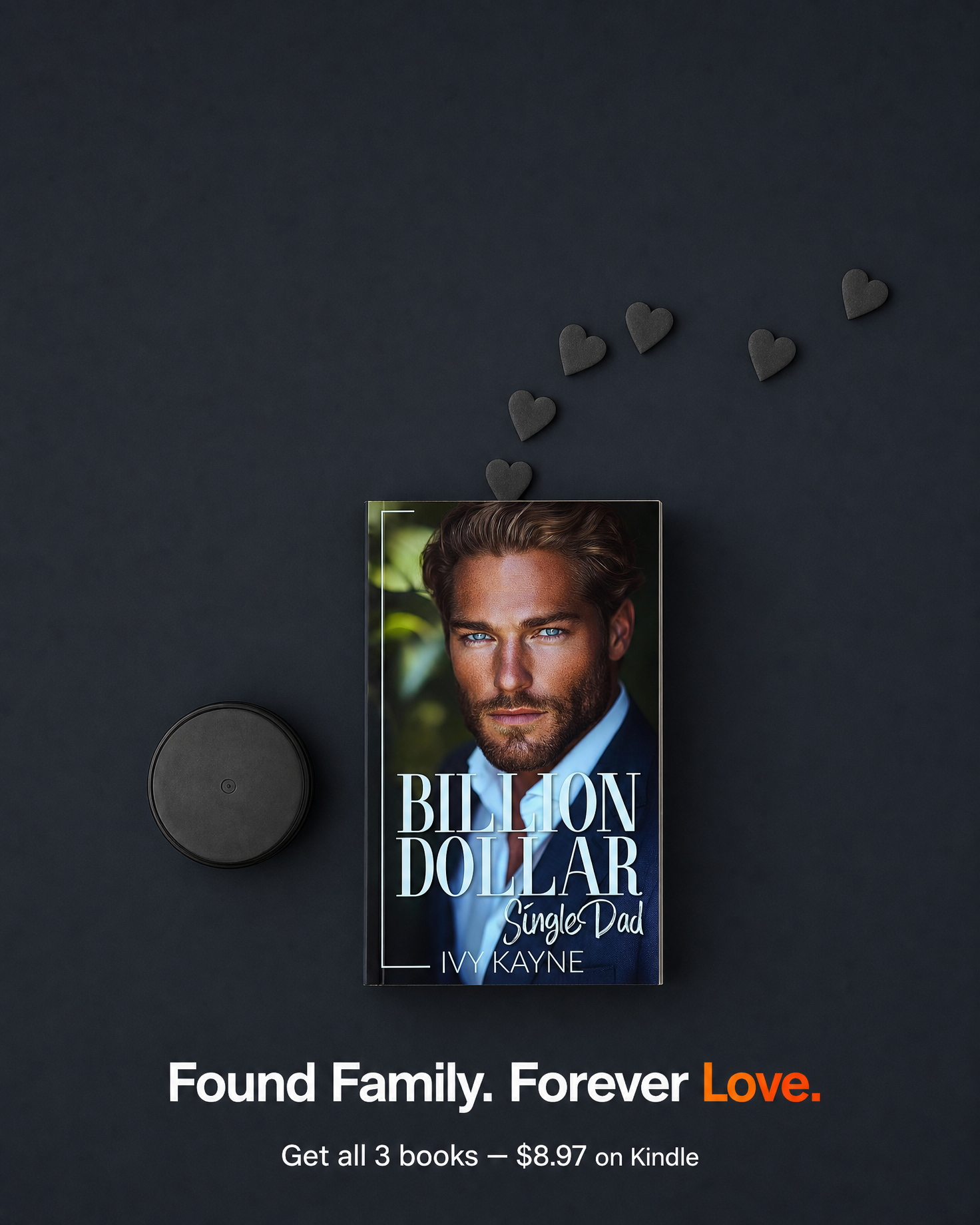
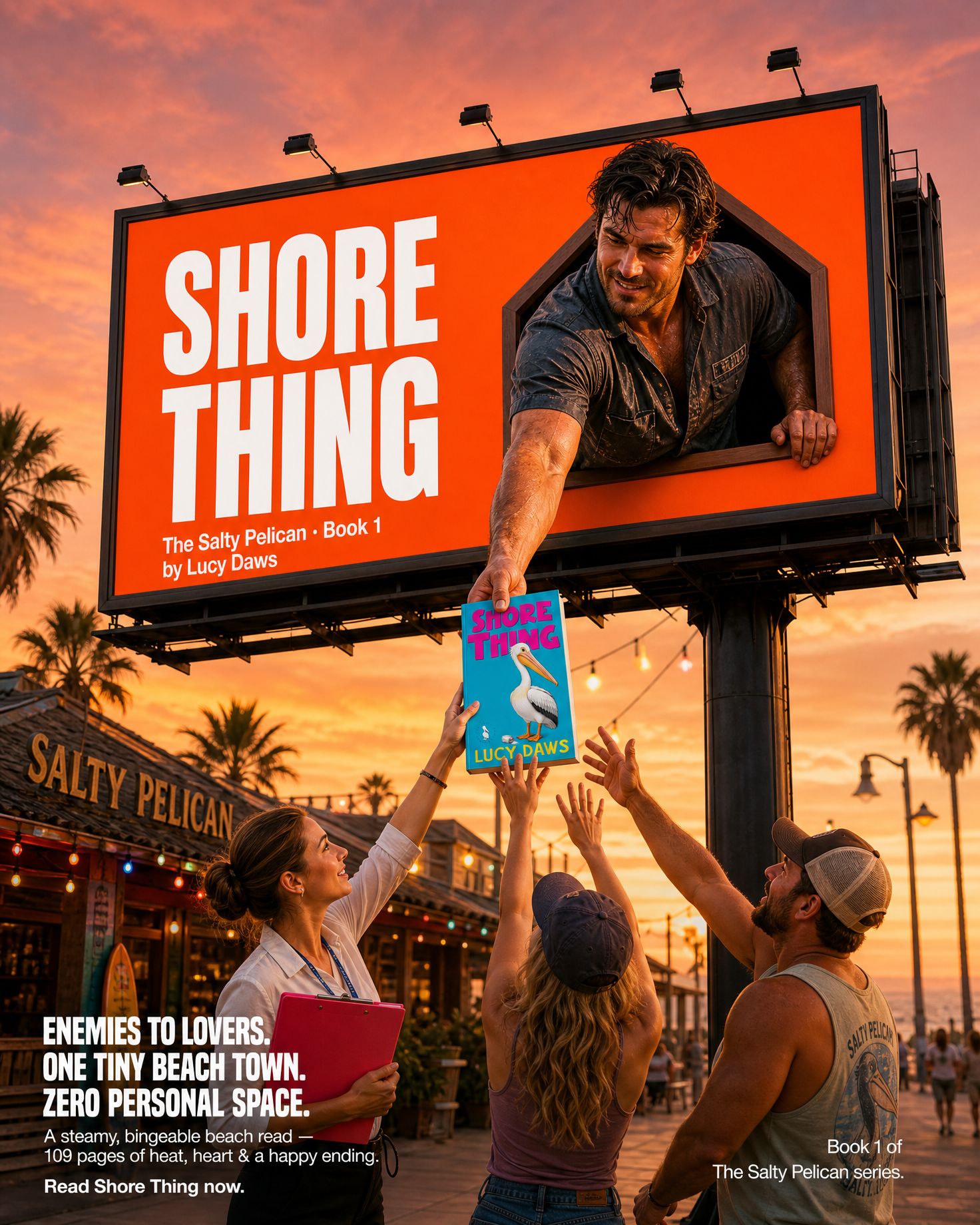
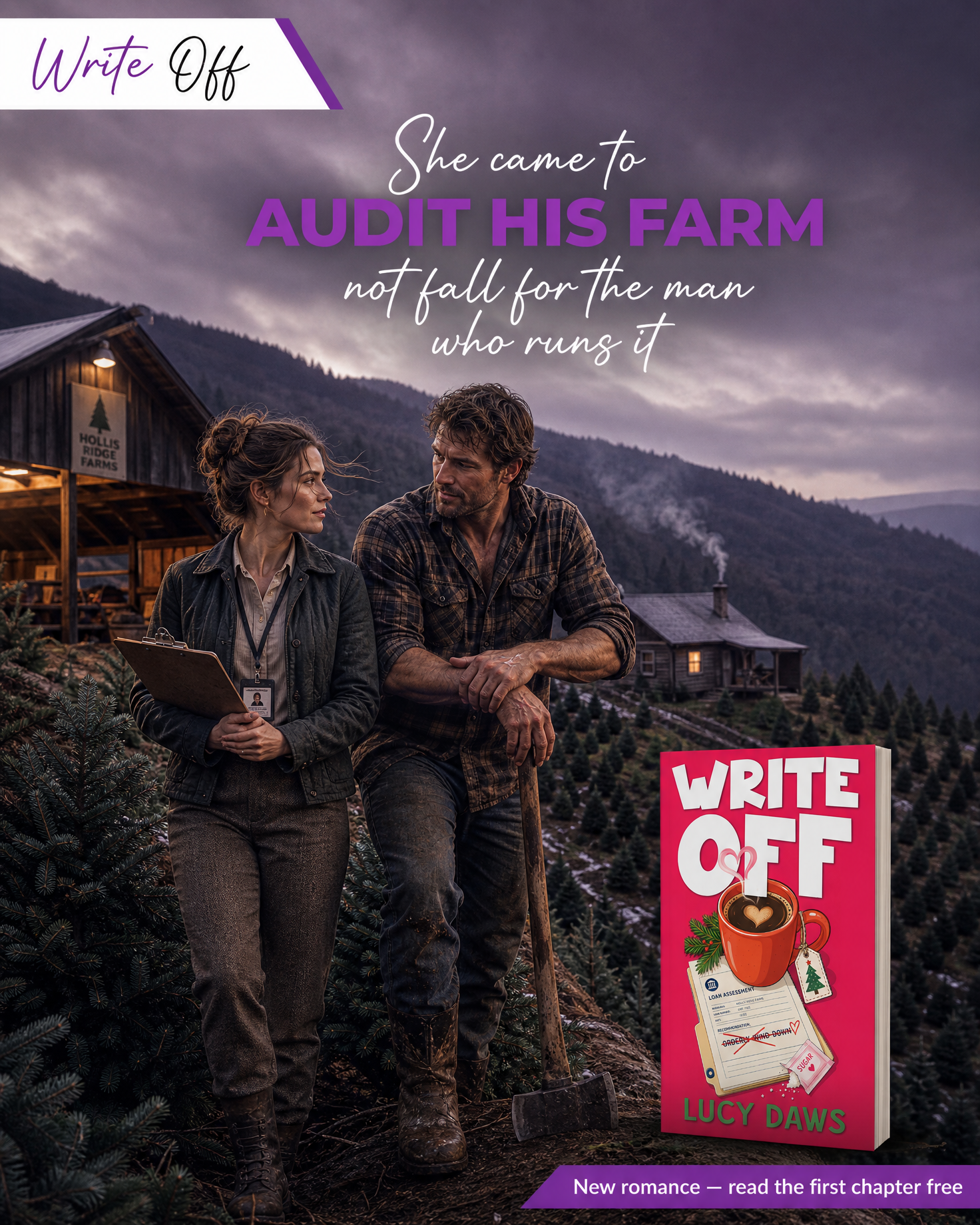
The short answer: BookBrush is a good author-specific design tool — its 3D cover mockups, box-set renders and template library are the reason most indie authors try it, and for those jobs it is hard to beat at its price. The alternatives fall into three groups: general design tools (Canva, Adobe Express) that do more but know nothing about books; mockup specialists (Placeit, free generators) that do one job; and manuscript-driven generation (Book Ad Pack), which starts from the story rather than a template. Which one fits depends on whether your bottleneck is assembling graphics or having something real to put in them.
Any alternatives page that trashes the incumbent isn't worth your time. BookBrush earns its place:
Where it stops: BookBrush is a template and mockup engine. It doesn't know what's in your book. The scene behind the cover, the character art, the hook line, the video of the moment readers would buy for — those are still yours to source, which is why a lot of BookBrush output ends up as the same stock backgrounds behind different covers.
Best for: everything-in-one DIY. Free tier is generous; Pro has commonly run about $15 a month (or less billed annually) and adds brand kits, background removal and a large stock library. Book-mockup frames exist but are thinner than BookBrush's. You'll spend more time, and the book-specific shortcuts aren't there — but if you already design your newsletters and ads in Canva, it's one fewer subscription.
Best for: authors already in the Adobe ecosystem or who want Firefly generative fill inside their graphics. Comparable to Canva in scope, lighter on author-specific templates. Free tier exists; premium is priced in the same band as Canva Pro.
Best for: realistic, photo-based mockups — a book held in a hand, on a desk, in a shop. Large library, professional results, priced as a subscription or per-download. No ad-copy, no video from your story, no author templates; it's a mockup specialist.
Best for: a single cover render with no budget. DIY Book Covers, Mockup World, Smartmockups' free tier and similar produce a watermark-free 3D book in a few clicks. Limited angles and scenes; fine for a Goodreads banner, thin for a campaign. See the free book mockup generators compared.
Best for: authors whose problem isn't assembling graphics but having something from the actual book to put in them. We read the manuscript and generate the creative from it — on-book images with the cover staged in the story's own settings, short scene video, character art, ad copy and hooks taken from real scenes, and Amazon A+ modules — delivered as a pack you post and run from your own accounts. It isn't a template editor: you can't drag elements around, and it's a per-book pack rather than a monthly design subscription (see packages and pricing). Many authors use both: BookBrush for quick mockups and box sets, a pack for the launch creative.
| Job | BookBrush | Canva / Adobe Express | Placeit / free mockups | Book Ad Pack |
|---|---|---|---|---|
| 3D cover mockups & box sets | Excellent | Basic frames | Excellent (photo-real) | On-book images only — no box-set renders |
| Social templates sized for authors | Excellent | Good, general | No | Delivered sized; not an editor |
| Scene images from your story | No | No (stock / generative fill) | No | Yes — read from the manuscript |
| Video from the book's scenes | Template animation | Template animation | No | Yes — scene video |
| Ad copy & hooks | No | No | No | Yes — from real scenes |
| Amazon A+ modules | Templates | Templates | No | Yes — built and sized |
| Drag-and-drop editing | Yes | Yes | Limited | No |
| Runs your ads for you | No | No | No | No — you keep your ad account |
| Pricing model | Subscription | Free / subscription | Subscription or per-item | Per-book pack |
Prices change; the bands above are what these tools have commonly charged and are meant for orientation, not as quotes. Check each vendor's current page before you buy.
It depends on the job. For drag-and-drop design with the widest template library, Canva (or Adobe Express) is the closest all-rounder. For photo-real mockups, Placeit. For a single free 3D cover render, a free mockup generator. If the gap is material from your actual book — scene images, video and copy rather than templates — Book Ad Pack generates those from the manuscript. Many authors pair BookBrush for mockups with one of the others.
For most indie authors who want fast 3D mockups, box-set renders and author-sized social templates, yes — it does those jobs better than general tools and costs less than a single freelance graphic per month. It is not worth it if you expect it to supply the images and video of your story; it is a template engine, and the content inside the templates is still yours to find.
Yes, and many authors do. Canva has book-mockup frames, social templates and a free tier, and if you already make your newsletters and ads there it saves a subscription. The trade-off is time: BookBrush’s author-specific templates and box-set renders are faster, and Canva’s mockups are less polished for books.
Book Ad Pack does: it reads the manuscript and generates on-book images staged in the story’s settings, short scene video, character art, ad copy from real scenes and Amazon A+ modules, delivered as a pack you post from your own accounts. BookBrush, Canva, Adobe Express and Placeit all start from a template or a stock library and do not read the book.
BookBrush paid plans have commonly run in the region of $8 to $20 a month on annual billing; Canva Pro and Adobe Express premium are in a similar band; Placeit is a subscription or per-download. Free mockup generators cost nothing for a basic render. Book Ad Pack is priced per book pack rather than monthly — see the packages and pricing page for current numbers.
The free generators compared honestly, and the step after the mockup.
Read the guide →Instagram formats and sizes, and why on-book beats flat-cover posts.
Read the guide →What a pack includes and what it costs — the per-book model explained.
Read the guide →Upload the manuscript or paste your Amazon link — we read the actual book, then show you what it can become before you commit to anything.